Magenta RealTime 2 (Apps & Plugins)
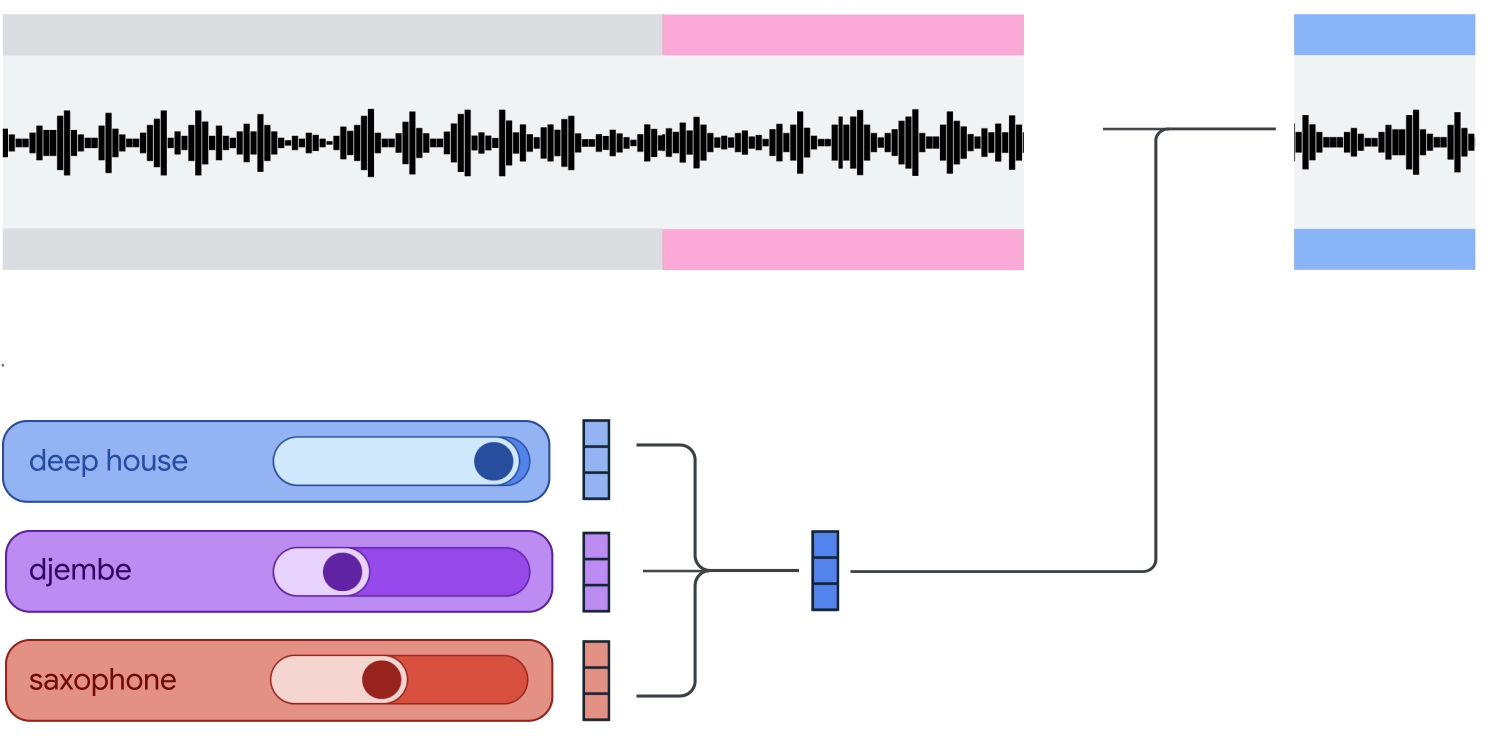
Magenta RealTime 2 (MRT2) is a live music model that you can play like an instrument and run on a MacBook (Apple Silicon). Alongside the open-weights model, we are releasing a collection of playable instruments and experiences built with MRT2. Experiment with cloning sounds, blending genres, and creating live accompaniment with this low-latency music model.
Table of Contents
Apps + Plugins



Features
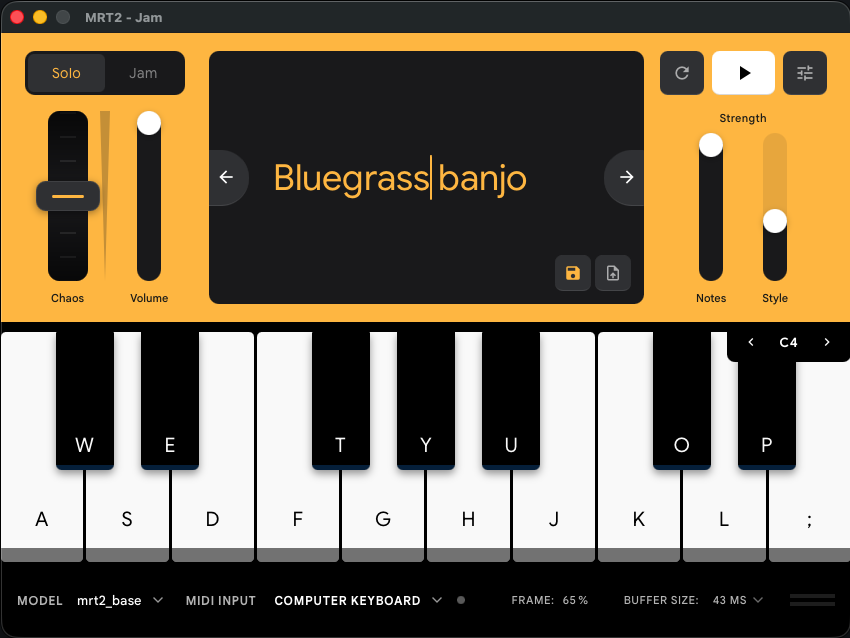
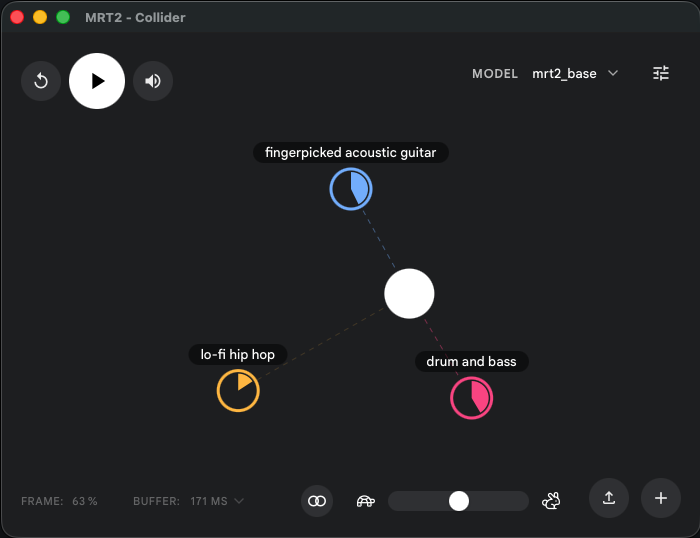
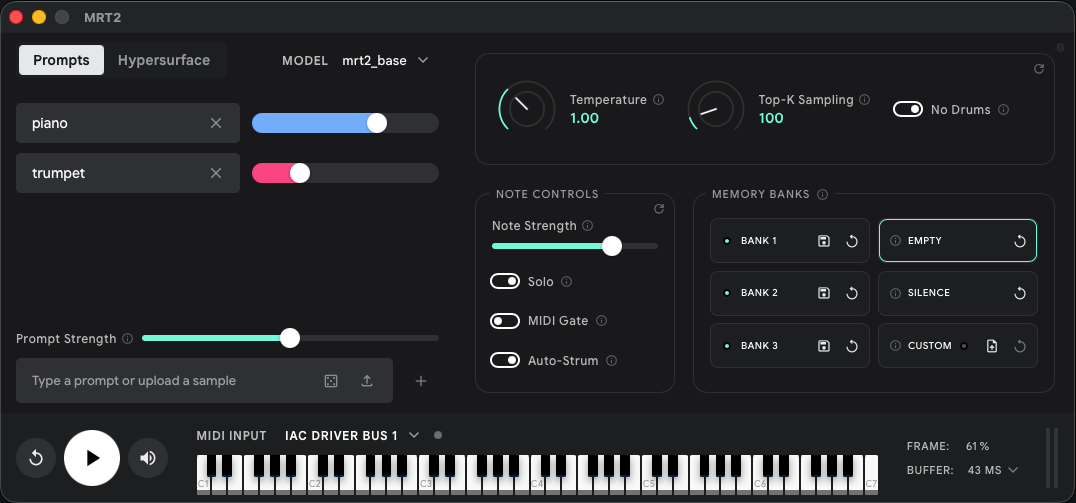
The MRT2 audio unit (AU) plugin and standalone apps give you access to new musical capabilities and creative possibilities:
MIDI Steering
Hold down a note or chord and the model generates an entire ensemble that follows your harmony, or jam along with the ensemble.
Text-to-Synth
Type a description (e.g., “string ensemble”, “disco funk”) to generate a new, fully-playable MIDI instrument.
Audio Cloning
Drop in a brief audio snippet to create a playable instrument emulating that sound.
Prompt Mixing
Smoothly interpolate between any audio and text prompts to explore new styles.
Sound Design
Create new textures by combining music with sound effects, and dynamically modulating chaos.
Modulation / Gesture Control
Use an LFO, MIDI controller, or even a camera to steer through latent space with low-latency response to continuous gestures.
Installation
- Download the bundle.
- Extract the zip file.
-
Install the app:
- Standalone: Double click the app you want to try, or drag it to Applications to keep it installed.
- Plugin: Drag it to your Applications folder and double click it to register the plugin. Refresh AU Plugins in your DAW, and drag the plugin onto a MIDI track.
- Play! Starting one of the apps for the first time may take a few minutes, as the app needs to download model weights (~2.5GB for base, 450MB for small).
Requirements
The Base model requires an M3 Pro / M2 Max or higher. The Small model will run on any Apple Silicon MacBook, including MacBook Air.
Models generate 48kHz stereo audio, and require audio sample rate to be set at 48kHz in either your DAW (plugin) or your “Audio MIDI Setup” settings (standalone apps).
Build your own apps with Magenta RealTime 2
The Magenta RealTime 2 model is open-weights and the framework is fully open source. Start building today on GitHub.
Learn More
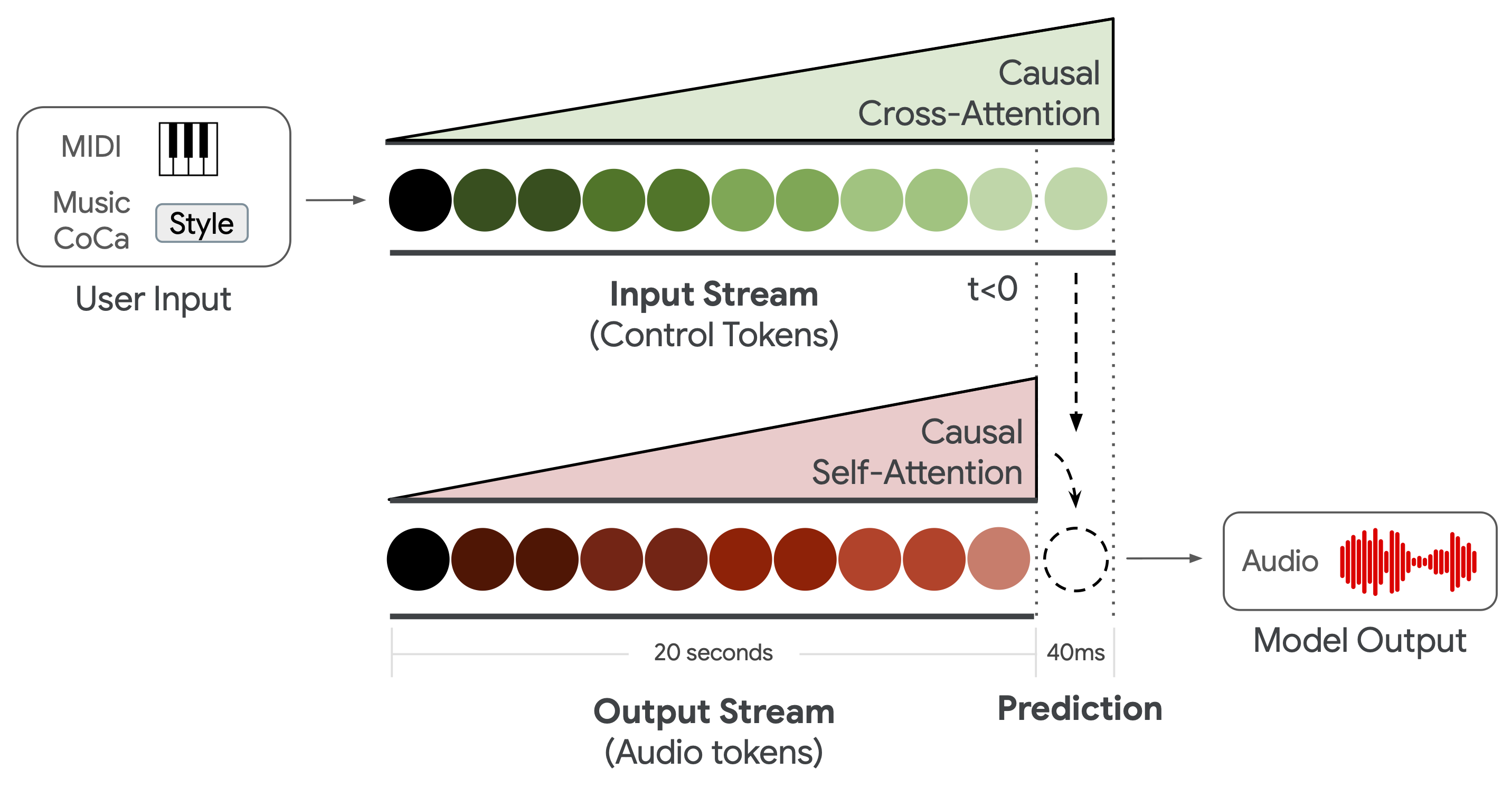
How does Magenta RealTime 2 work?
Learn more about the design and creation of the model and applications.